

Administration
Learner Access
How a buyer becomes an authenticated, enrolled learner through guest checkout, auto-provisioning, activation, and sign-in.
Guest checkout
Buyers can purchase without an account. Learn with Foundation captures the order email as the identity for the learner.
Auto-provisioning
On a completed order, Learn with Foundation creates or matches a learner account from the order email and enrolls it in the purchased course.
Activation
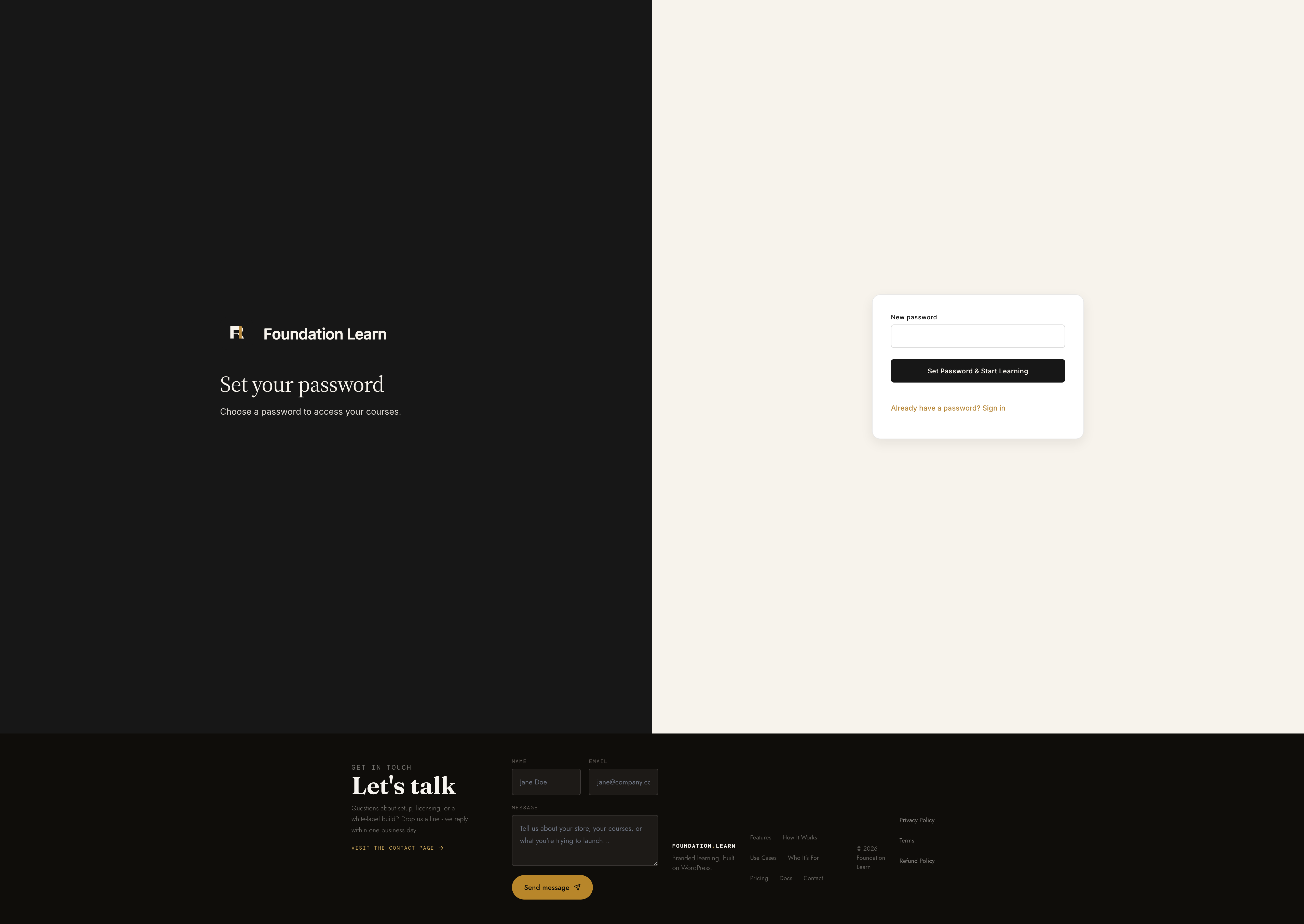
The learner receives a branded activation email with a secure link to set a password and confirm the account.
Sign-in
Once activated, the learner signs in and lands on My Learning with their courses ready.
Access flow
Purchase (WooCommerce order completed)
        ↓
Identity (match or create account from order email)
        ↓
Auto-provision (enroll in purchased course)
        ↓
Activation email (secure set-password link)
        ↓
Sign in
        ↓
My Learning (enrolled & ready)